
What Is A Vector File Logo?
Think about some of the most famous brands, like the swoosh of Nike, the golden arches of McDonald’s, or the playful apple of Apple. These logo designs are not only easy to recognize, but they also show what the brands are about. And every great logo has a strong secret: Using vector files in the right way.
But what are vector files, and why are they so important when designing a logo? Vector files are not made up of pixels like raster files are. Instead, they are made up of mathematical routes. This means they can be scaled up indefinitely without losing quality or sharpness.
Vector files make sure that your brand stays sharp and clear, no matter how small it is on a business card or how big it is on a billboard.
But that’s not all; vector files have way more uses than this. Need to change the size of your graphic logo design for a website header, a profile picture on social media, or even a huge billboard? No problem! Changing your image to fit any size or use with a vector file is easy. Plus, they make editing and changing things easy, saving you time and effort.
Now that you know how powerful vector files are, let’s talk about the basics of vector files, learn some tips for beautiful logo ideas, and see how we can organize files like a pro. We’ll also help you export and send the finished product without a hitch. So, buckle up and get ready to use vector files to their fullest to become a great logo design artist.


Vector Files – Learn the Basics
A vector file is a type of digital picture that is made using mathematical paths. They are made up of lines, curves, and shapes that can be scaled up or down without losing quality. This means a vector file will always stay sharp and clear, no matter how much you increase or reduce it.
Imagine that you are making a logo for a client who wants to use it on business cards, websites, signs, and other places. With a vector file, you can easily change the size of the logo without losing information or getting pixels. It makes sure that your image looks great, whether it’s shown on a tiny screen or blown up on a huge outdoor sign.
Now, let’s talk about the most popular file formats for vector graphics. Scalable Vector Graphics, which is what SVG stands for, is a common format. SVG files are a good choice for digital applications because many design programs and web browsers can open them.
Moreover, Adobe Illustrator (AI) files are also often used, especially by artists who like how powerful Adobe’s industry-standard software is for editing. EPS (Encapsulated PostScript) is another format you might come across. It is widely used and can be opened by many design tools.
Speak Volumes with Logo
Are you ready to climb new heights?
Great adventures await!














Starting Strong – Custom Logo Designs
Here, we’ll look at how to use these flexible files to come up with interesting logo ideas. So, get ready to use your imagination as we use the power of vectors to reveal the secrets of logo art. Now that we know what vector files are, it’s time to learn how to use them in logo design.
Start by sketching your ideas for a design on paper or using digital sketching tools. This first step lets you try out different ideas and layouts. This gives you a strong base because it’s all about getting to the heart of the business and showing that through visuals.
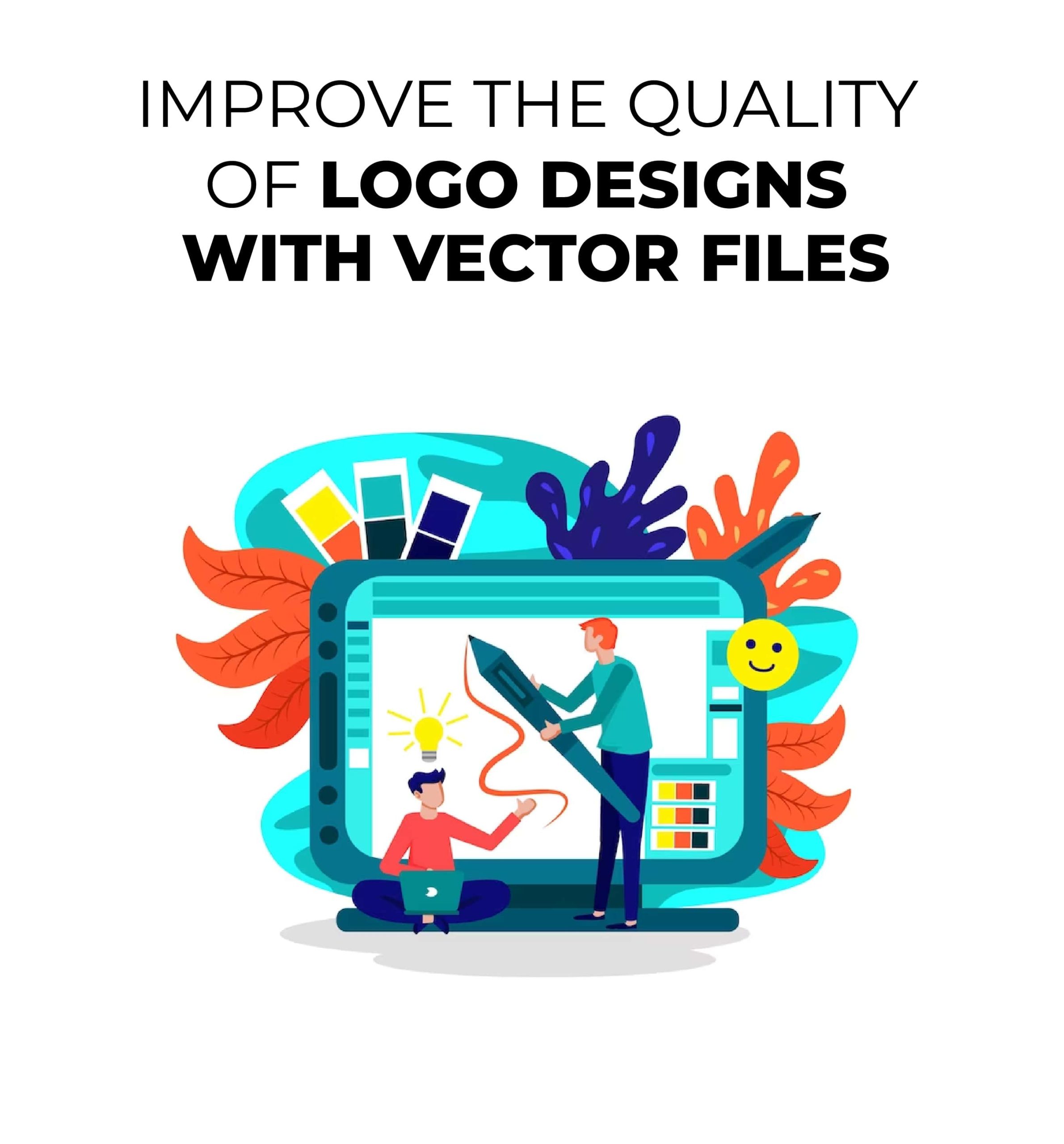
Once you have your sketches, you can bring them to life with vector tools like Adobe Illustrator, CorelDRAW, or something else. These powerful tools give you the features you need to make artwork that is accurate and scalable.
Start by putting together the basic shapes, lines, and curves that will make up your logo design’s structure. Use the pen tool, shape tools, and anchor points to make smooth and accurate lines. Keep your design simple and easy to read. Graphic logo designs that are clean and simple tend to look good for a long time.
Why Should
You Choose
LogoverseInc?
LogoverseInc is one of the leading firms in the USA.
We offer extensive services for logo design, mobile apps,
web design, branding, eCommerce, and NFTs
to uplift your success.
We Are Here To Help
Make Your Mark and
Leave a Lasting Impression
on the Audience
Our expert designers and developers collaborate
with you to understand your project goals,
target audience and drive tailored
strategy for your business success.






Providing Animation Services To
Clients In Multiple Cities Across USA & Canada
- Arlington
- Cleveland
- Jacksonville
- Miami
- Orlando
- Atlanta
- Dallas
- Louisville
- Minneapolis
- Philadelphia
- Austin
- Denver
- Kansas City
- New York
- Portland
- Chicago
- Houston
- Los Angeles
- New Orleans
- San Diego
Try out gradients, patterns, and effects to make your design more interesting and deeper. Gradients can add depth and visual interest, and patterns can make you think of a certain feeling or theme. The general look of your logo can be improved with effects like shadows, highlights, or textures.
Remember the rules of balance and good looks as you work on your custom logo design. Keep your logo design simple because simple designs are often easy to remember and can be used in many ways. Make sure your logo is clear and easy to read in all sizes, from a tiny favicon to a big poster. Choose color palettes that match the brand’s theme and make people feel how you want them to.
By using vector files, you have the freedom to easily change and improve your design. Change the shapes and colors and try different things until you find balance and unity. You can make these changes to vector files without losing any quality. This makes it easier to make a logo that looks clean and professional.
Master the Art of Organizing Files
Creating levels in your logo design software is important to keep your files organized. Using layers, you can split different parts of your logo, which makes it easier to change certain parts without changing the rest. Putting your logo into layers lets you keep your process organized and avoid getting confused when working on complicated designs.
Setting up a standard way to name your files is another good idea. Giving your files, layers, and groups names that make sense will save you time and effort when looking for certain parts. It also ensures that your design files are consistent and makes it easier for others to find their way around and understand them.
Consider making a logo kit to take your planning skills to the next level. Your logo will come in different file types and colors in a logo kit. When you give clients or partners a logo kit, you make sure they have everything they need for different uses. For professional use, include vector file formats like SVG, AI, or EPS. For digital services, include raster file formats like PNG and JPEG.
Besides file formats, you might also want to think about different color versions. Include versions of your logo in RGB, CMYK, Pantone, and spot colors to make sure that the colors look the same on different platforms. By making complete logo kits, you give others the tools they need to use and apply your image in a variety of situations.
Export and Deliver the Final Product
You’ve made it to the last step of your Design-a-Logo journey! This step focuses on the important steps of exporting and providing the final logo product.
Vector file types are the best choice for professional use and printing. PDF (Portable Document Format) and EPS (Encapsulated PostScript) are widely used and have the benefit of keeping vector files’ ability to be scaled and their readability.
Hence, they make sure that your logo can be changed to any size without losing quality. Also, printers and artists often need vector files in order to make high-quality prints and materials.
Lastly, when you give a final professional logo design to your clients or other stakeholders, it’s important to provide clear instructions on how to use the logo design.
Make a brand guideline paper that tells people how to use the logo correctly, including the minimum size, spacing, and color requirements. Tell your clients how important it is to stay consistent and use the logo files you give them to create a strong and consistent brand name.
You can give a complete and professional logo design package by carefully considering file formats, compatibility, and usage guidelines. With these last steps, you’ll have learned how to use vector files effectively in logo design.
Take your brand to the next level with a custom logo design that speaks volumes.Hire a graphic designer for logo from Logo Verse Inc. and unlock the potential of exceptional design. Don’t hesitate any longer—empower your brand with a logo that sets you apart. Elevate your business today!